VLAN Home network design: Logic for device grouping
"Security is not about building a higher wall, but about creating smarter rooms within the house."
A professional strategy for building a home network involves using Virtual Local Area Networks (VLANs) to separate sensitive data from vulnerable IoT devices. This guide provides the foundational logic for segmenting traffic to prevent a single compromised device from exposing your entire digital life.
You will learn the logic of isolation, the steps for implementation, and the limitations of hardware-based segmentation.
How to design a home network VLAN setup?
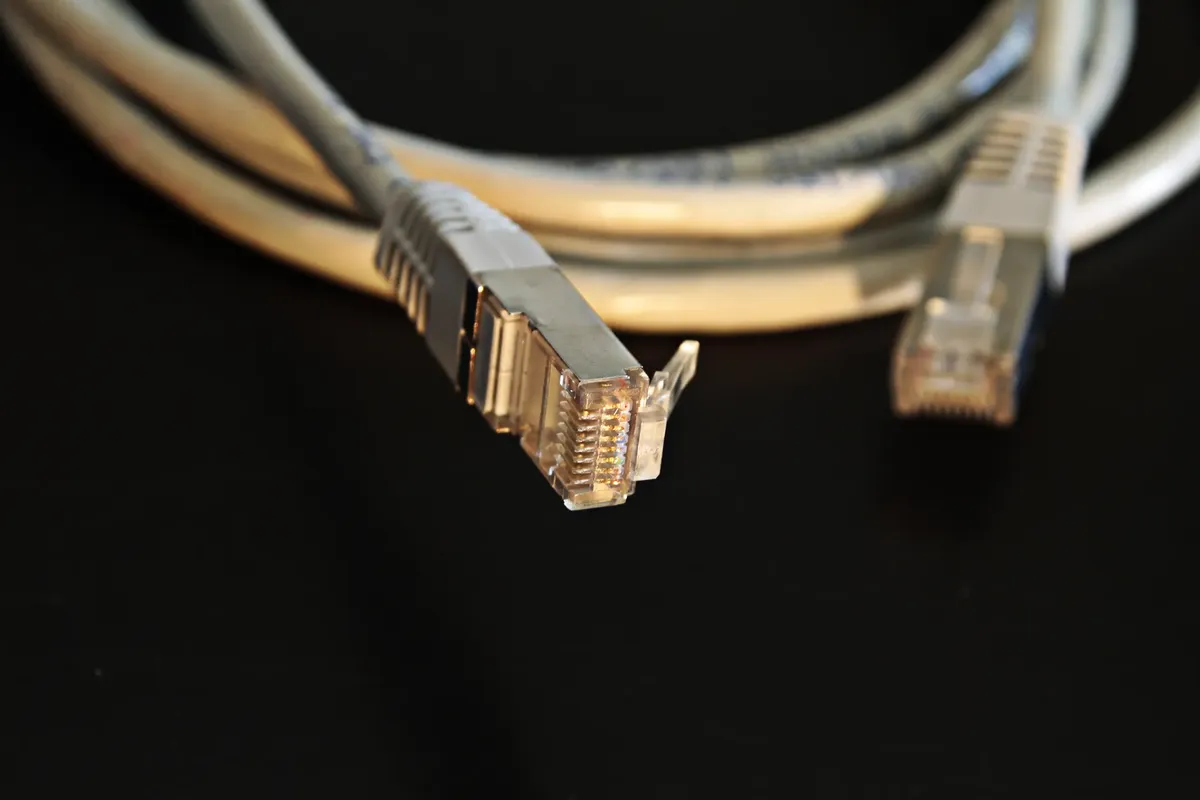
Walking through a living room filled with smart bulbs, cameras, and personal laptops, the invisible threads of connectivity weave a complex web. A single weak password on a cheap smart plug could theoretically grant an intruder access to a private workstation.
A proper home network VLAN setup begins by defining distinct functional groups for every connected device. Instead of one giant pool of devices, you create virtual boundaries that act as internal partitions.
This ensures that traffic from a guest or a smart appliance cannot reach your primary computers.
Effective segmentation relies on identifying which devices need to talk to each other and which should remain isolated. By grouping devices by their security requirements, you minimize the attack surface of your entire residence.
- Audit all connected devices to categorize them by function and security requirements.
- Define specific VLAN IDs and subnet ranges for each device category.
- Configure the router and managed switches to support the chosen VLAN structure.
How do I design a secure home network?
As evening falls upon the office, I lean back in my chair and smile at the sight of a secure vlan. I remember sitting at my desk, looking at a messy list of IP addresses, realizing that my smart fridge was on the same subnet as my banking laptop. That moment changed how I approached my local network architecture.
To achieve a secure home network design, you must categorize devices based on their risk profiles. High-security devices, such as personal computers and NAS storage, require strict isolation from low-security devices like smart plugs or cheap cameras.

The logic of isolation prevents lateral movement during a security breach. If a device in the IoT group is compromised, the attacker remains trapped within that specific VLAN, unable to scan or access the more sensitive segments of your network.
The core logic relies on the principle of least privilege, ensuring that each device can only communicate with the specific resources it needs to function.
How can I isolate my home devices through segmentation? Setting up a network requires a structured approach to ensure stability and security. You can follow these three essential steps to begin the process of isolation.
- Define your VLAN IDs and subnets based on device types, such as Management, Private, IoT, and Guest. 2. Configure your router and managed switches to tag traffic with the appropriate VLAN ID. 3. Implement firewall rules to control inter-VLAN routing, allowing only necessary communication between specific groups.
After completing these steps, perform a final check by attempting to ping a device in a secure VLAN from a device in an isolated VLAN to ensure the rules are working. This method of how to isolate devices home effectively turns a flat network into a multi-layered defense system.
Segmentation prevents a single compromised device, such as a smart bulb or an IoT gadget, from gaining access to sensitive data on your primary computers.
Distributed network control and management
Managing a complex network requires clear rules for how data flows between different segments. You must decide which VLANs can communicate and which must remain completely silent to one another.
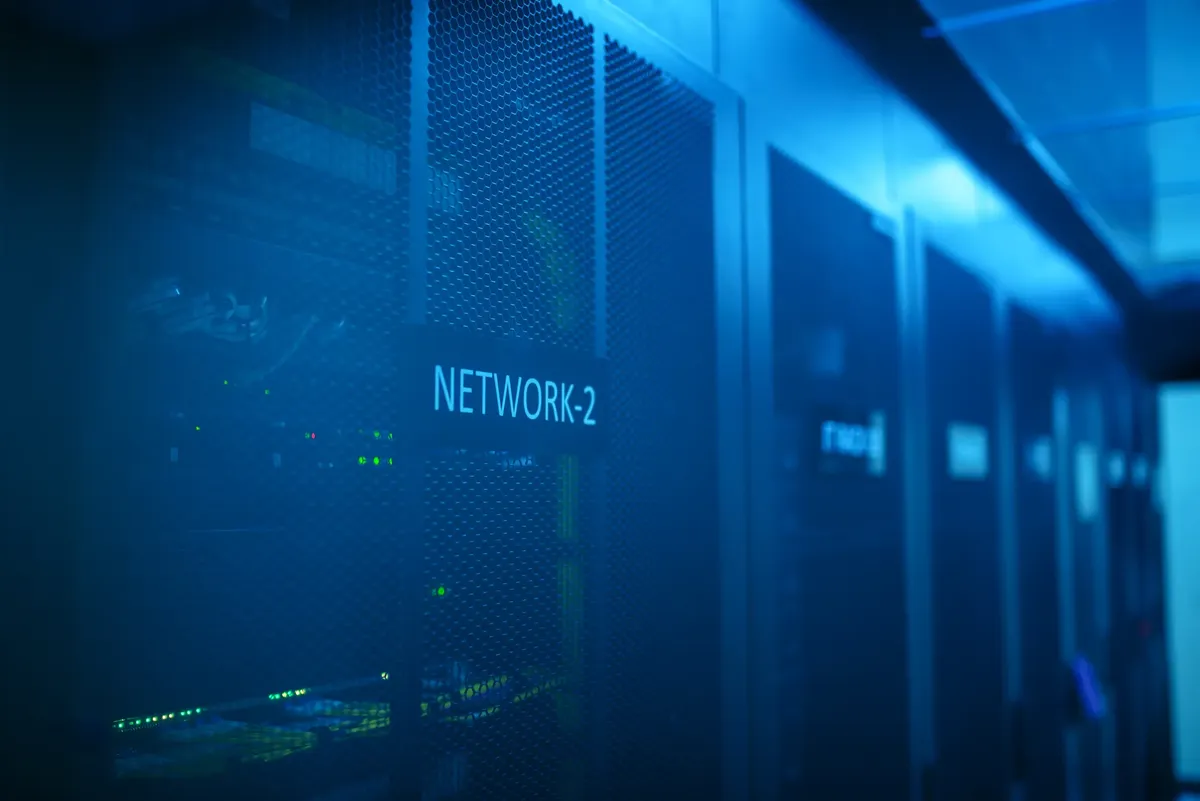
A distributed network control strategy allows you to manage traffic flow at the hardware level. For example, you might allow an IoT hub to access the internet but prevent it from initiating any connections to your private laptop.
A successful implementation of distributed network control ensures that even as you add more devices, the security posture remains consistent. You can scale your network by adding new VLANs for specific needs, such as a dedicated segment for high-bandwidth media streaming.
Using managed switches and multiple access points allows you to extend VLAN tags across different physical locations in your home.
VLAN IP address allocation and subnetting
A common mistake is using overlapping or confusing address schemes when building a segmented network. Proper planning prevents routing errors and makes troubleshooting much easier.
| Network Segment | Primary Purpose |
|---|---|
| Private VLAN | Personal computers and sensitive data |
| IoT VLAN | Smart appliances and sensors |
When you perform VLAN IP address allocation, you assign a unique subnet to each VLAN. This makes it easy to identify which group a device belongs to just by looking at its IP address.
I found that using clearly defined ranges, such as 192.168.10.x for Private and 192.168.20.x for IoT, made my troubleshooting much faster. This level of organization is essential when you are managing multiple segments simultaneously.
Assigning unique subnets to each VLAN prevents broadcast traffic from flooding the entire network and simplifies troubleshooting.
Prevent data leakage home with firewall rules

A robust network must go beyond simple separation to actively block unauthorized traffic. Without strict rules, VLANs are just names without real security benefits.
To prevent data leakage home, you must implement "deny-by-default" rules on your router or firewall. This means that unless you explicitly allow a connection between two VLANs, the traffic is automatically blocked.
For instance, your private laptop might need to access a printer in the IoT VLAN, but the printer should never be allowed to initiate a connection back to the laptop. This one-way communication is a cornerstone of professional-grade home security.
Implement strict firewall rules to block inter-VLAN routing, ensuring that guest or IoT networks cannot initiate connections to your private data segments.
Related
- VLAN for IoT security: How to isolate IoT with VLAN
- How can we achieve better smart home network optimization?
What are the inherent limitations of hardware-based segmentation? Hardware-based segmentation provides strong traffic separation, but its effectiveness depends entirely on the quality of the network equipment employed. A weak switch or an improperly configured router can undermine the entire security posture, regardless of the VLAN IDs assigned. Furthermore, this method does not protect against threats originating from within a single, properly segmented VLAN.
How does proper subnetting support network security? Proper subnetting facilitates the logic of isolation by assigning distinct address ranges to functional groups. This clear delineation allows administrators to precisely control which segments can communicate, reinforcing the initial security design. The ability to identify a device's group solely through its IP address simplifies the enforcement of firewall rules.
When implementing these segmentation procedures, remember that the security of the whole system relies on the weakest link, which could be a single misconfigured access point or an unpatched IoT device.
Therefore, even with robust VLANs, continuous monitoring remains a necessary part of building a secure environment.




Comments 0