802.1q VLAN Tagging: Fortify Your Home Network Today
"A single smart light bulb should never be the reason your personal laptop is compromised."
Isolating your smart devices from your main computers is the critical next step in modern home network security. If you treat your entire house as one giant, flat network, you are essentially leaving the front door to your digital life wide open every time a cheap smart plug connects to your Wi-Fi.
Key Takeaways
* Logical Segmentation: VLANs divide your network into separate virtual segments, preventing a compromised IoT device from accessing sensitive data on your primary computers. * Hardware Requirements: Implementing this requires a router/firewall capable of 802.1q VLAN tagging and a managed switch to handle segmented traffic. * The Goal: Create a dedicated "IoT VLAN" with strict egress and ingress filtering to ensure devices can talk to the internet, but never to your private files.

Why is IoT Isolation Non-Negotiable in Modern Networks?
Late at night in the darkened living room, a flickering smart bulb pulses with a cold light as it silently probes the local network for an open door.
At 11:30 PM on a Tuesday, a smart camera in the living room attempts to scan the local network for an open file share on a NAS located in the home office. In a flat network, that camera can see every device you own. In a segmented network, that attempt hits a digital brick wall.
The fundamental problem with the Internet of Things is the "security-to-convenience" ratio. Many smart devices—smart plugs, cheap cameras, and even some smart bulbs—are built with minimal security oversight and often contain unpatchable vulnerabilities.
They are essentially tiny, low-power computers running outdated Linux kernels or proprietary firmware that rarely receives updates.
When a single device is compromised, the "blast radius" becomes the primary concern. In a flat network, a hacker who gains control of a smart bulb can perform lateral movement, scanning your network to find a more lucrative target like a workstation or a NAS.
They use the compromised device as a beachhead to pivot into your private life.
This risk is mirrored in professional environments. According to the Cloud Security Alliance, the top three threats in the cloud include Insecure Interfaces and APIs, Data Loss & Leakage, and Hardware Failure—which accounted for 29%, 25%, and 10% of all cloud security outages respectively.
While we aren't talking about a massive data center, the principle is the same: an insecure interface on a smart device can lead to massive data leakage if it has a direct path to your private information.
The sheer volume of devices in a modern home increases the statistical likelihood of a breach. With dozens of devices constantly requesting updates and communicating with various cloud servers, the attack surface is larger than ever.
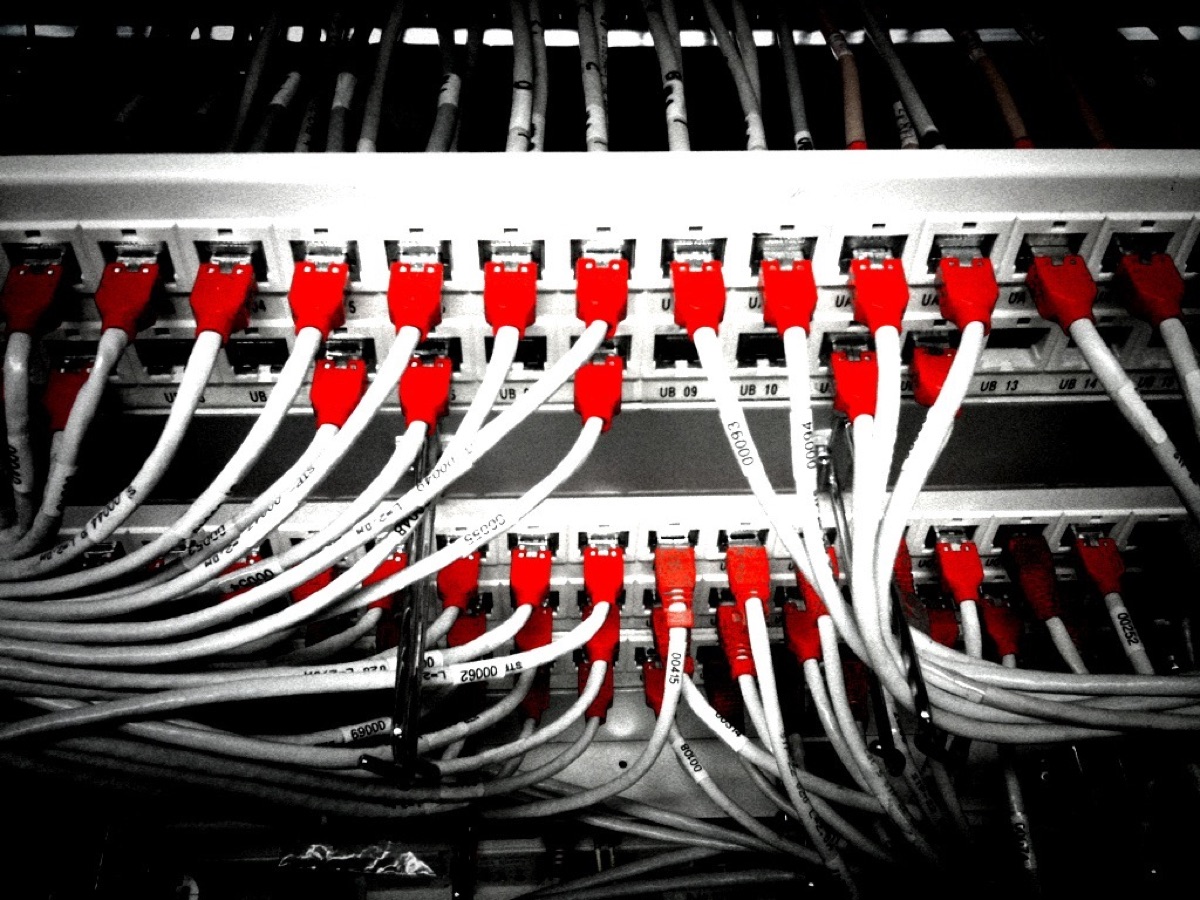
How do I design a secure IoT VLAN? Slumped in a swivel chair during the early morning hours, a technician rubs tired eyes while staring at the glowing terminal screen in a quiet office.
A technician sits at a desk, staring at a terminal window where a list of network interfaces and subnet masks blurs past. They aren't just plugging cables into holes; they are defining the invisible boundaries of a digital fortress.
To move beyond basic consumer gear, you need specific hardware. A standard "all-in-one" router from an ISP usually cannot handle VLANs. You need a router or firewall capable of 802.1q VLAN tagging and a managed switch.
A managed switch allows you to assign specific physical ports to specific VLAN IDs, ensuring that a device plugged into "Port 5" is automatically placed in the "IoT" zone.
The core of this setup is VLAN tagging. When a packet leaves a device, the switch adds a "tag" (a VLAN ID) to the header. This tag tells the router exactly which segment the traffic belongs to. This allows one physical wire to carry multiple logical networks without them ever seeing each other.
A professional design also requires a clean IP schema separation. You should assign a dedicated subnet to each VLAN to make management and firewall rules intuitive.
For example: * Main VLAN (Trusted): 192.168.10.x * IoT VLAN (Untrusted): 192.168.20.x * Guest VLAN (Isolated): 192.168.30.x
The router acts as the gatekeeper through "Inter-VLAN routing." While the VLANs are logically separate, the router is the bridge that allows them to communicate. The goal of a secure setup is to configure the router so that it only allows specific, highly controlled traffic to cross that bridge.
How do I implement firewall rules to control flow? A red light blinks on a server rack in a darkened room. An administrator enters a command to block a specific IP address, and the red light stops blinking. The perimeter has held.
The most important mindset when building a VLAN is the "Default Deny" posture. This means you assume all traffic is malicious unless you have written a specific rule to allow it. Instead of trying to block "bad" things, you only allow the "good" things and block everything else by default.
Strict egress filtering is the next layer. IoT devices usually only need to talk to one specific destination: the manufacturer's cloud server. You can configure firewall rules so that the IoT VLAN can reach the internet, but cannot initiate any connection to the Main VLAN.
This prevents a compromised camera from "calling home" and then attempting to scan your laptop.
To prevent lateral movement, you must explicitly block unsolicited inbound traffic. If a device on the IoT VLAN tries to reach a device on the Main VLAN, the firewall should drop the packet immediately.
However, you can create a "one-way" rule where the Main VLAN can initiate a connection to the IoT VLAN (for example, to check a camera feed), but the IoT devices cannot initiate a connection back to the Main VLAN.
Finally, use protocol control to tighten the screws. If a specific smart hub only needs to communicate via MQTT on port 8883, you can write a rule that permits only that specific protocol and port. This leaves no room for other types of attacks to slip through.
| Feature | Flat Network (Consumer) | Segmented Network (Expert) |
|---|---|---|
| Security Level | Low (Single point of failure) | High (Isolated blast radius) |
| Device Visibility | All devices see each other | Devices are invisible to other segments |
| Complexity | Plug and play | Requires managed hardware and configuration |
| Control | Minimal | Granular (Port and Protocol level) |

Step-by-Step Deployment Checklist (Action Phase)
A hand reaches for a screwdriver, tightening a mounting screw on a rack-mounted switch. The physical work is done; now the logical architecture begins.
Follow this sequence to ensure a smooth transition from a flat network to a segmented one.
- Phase 1: Physical and Layer 2 Setup
- * Connect your managed switch to your router via a "Trunk" port (a port allowed to carry multiple VLAN tags). * Assign specific ports on the switch to your IoT VLAN ID. * Verify that devices plugged into those ports are receiving the correct IP addresses from the IoT subnet.
- Phase 2: Logical and Layer 3 Configuration
- * Create the VLAN interfaces on your router/firewall. * Set up the DHCP server for each VLAN so they automatically assign the correct subnet range. * Ensure the router can route between the VLANs (Inter-VLAN routing) before you start applying restrictions.
- Phase 3: Policy and Firewall Enforcement
- * Apply the "Default Deny" rule to the IoT VLAN. * Create "Allow" rules for necessary outbound traffic (Internet access). * Create "One-way" rules to allow your Main VLAN to access IoT devices, while blocking the reverse. * Test the rules: Try to ping your laptop from an IoT device. The ping should fail.
- Phaseth 4: Testing and Monitoring
- * Verify that all IoT devices can still function and reach their cloud services. * Monitor the firewall logs to see if any blocked connection attempts appear suspicious. * Periodically audit the rules to ensure no "temporary" holes were left open.
Beyond Basics: Advanced Considerations for Scaling
A technician sips coffee while watching a real-time traffic graph on a monitor. The lines move up and down, representing the heartbeat of the network.
As your smart home grows, you may encounter more complex needs. For instance, some devices require mDNS (Multicast DNS) to be discoverable across different VLANs (like a phone finding a Chromecast).
This requires an "mDNS Reflector" or "Avahi" service on your router to bridge the discovery packets between segments without breaking the firewall.
Another consideration is the "IoT Hub" dilemma. Some hubs act as a bridge and need to be on the Main VLAN to work properly. In these cases, you might need to place the hub in a "DMZ" or a specialized middle-ground VLAN with very strict rules.
Limitations and Trade-offs
It is important to note that VLAN segmentation adds significant complexity. If you misconfigure a rule, a smart device might simply stop working, and troubleshooting can be time-consuming. This setup is not intended for users who want a "set and forget" experience with basic consumer hardware.
It requires a commitment to ongoing management and a solid understanding of networking fundamentals. #








Comments 0