5G vs Wi-Fi: Optimizing Your Connection for Peak Performance
"The best connection isn't always the strongest one; it's the one that matches your current environment."
If your phone keeps jumping between a full-strength 5G signal and a local Wi-Fi network, you might notice sudden stutters in video calls or gaming lag. This happens because your device is struggling to decide which "lane" of data is actually faster at that specific moment.
Key Takeaways * Spectrum Differences: 2.4 GHz offers better range, while 5 GHz and 6 GHz provide much higher speeds but shorter coverage. * Standard Matters: Newer standards like Wi-Fi 6 (802.11ax) handle crowded environments much better than older versions. * The Handover Logic: Smart switching requires balancing signal strength against actual data throughput to prevent constant, disruptive jumping.

Why Does My Connection Feel Laggy? Understanding the Spectrum Divide
I sat in a crowded airport terminal in late 2025, watching a traveler struggle with a video call that kept cutting out. He was standing right next to a high-speed router, yet his phone kept hunting for a cellular signal, causing a constant loop of buffering.
The fundamental issue is that wireless data travels on specific radio bands, and each has a different "personality." Wi-Fi most commonly uses the 2.4 gigahertz (120 mm) UHF and 5 gigahertz (60 mm) SHF radio bands, with the 6 gigahertz SHF band used in newer generations of the standard; these bands are subdivided into multiple channels.
When your device switches between these, it has to re-establish a handshake, which often causes that momentary "freeze" you feel.
The evolution of these standards has changed how we manage this. For example, 802.11n allowed for double radio spectrum bandwidth (40 MHz) per channel compared to 802.11a or 802.11g (20 MHz).
As we moved through 802.11ac (Wi-Fi 5) to 802.11ax (Wi-Fi 6), the way we pack data into those bands became more efficient.
There is always a trade-off between how far a signal goes and how much data it carries. While a standard access point using an omnidirectional antenna might have a range of roughly 0.1 km, using a specialized semi-parabolic antenna with 15 dB gain could theoretically extend that range to over 32 km.
In a home or office setting, you aren't looking for 32 km; you are looking for the sweet spot where the signal is stable enough to maintain high throughput without dropping.
If you don't understand which band you are on, you can't fix the lag.
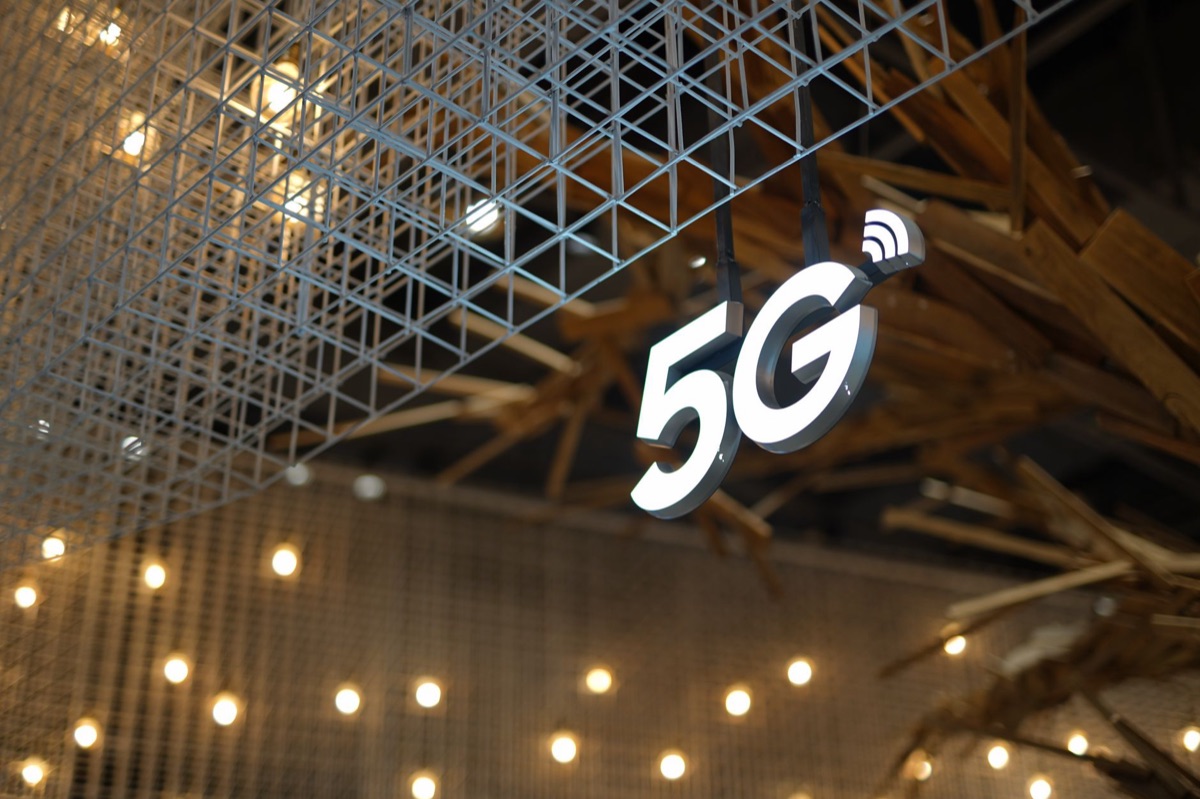
5G vs. Wi-Fi: When and Why to Switch
A technician once showed me a setup in a warehouse in early 2026 where a facility was using 5G to connect mobile scanners while using local Wi-Fi for stationary workstations. The transition between the two was a nightmare of dropped packets because the handover wasn't optimized.
5G is designed as a wide-area mobility solution. It is built to keep you connected while you are moving through a city or driving down a highway. It uses massive towers to provide coverage over large distances, but it can struggle with deep indoor penetration in certain buildings.
Wi-Fi, conversely, is a high-density, low-latency local access solution. It is designed to handle dozens of devices in a small area—like your living room or a coffee shop—with much higher speeds than cellular networks can typically provide in a local setting.
The "Handover Challenge" is the friction created when your device moves from a Wi-Fi network to a 5G network (or vice versa). If your phone sees a 5G signal that is "stronger" than the Wi-Fi, it might jump to 5G even if the Wi-Fi is actually faster.
This constant switching—known as "ping-ponging"—drains your battery and disrupts your connection. To optimize your setup, you need to understand when to force a connection to stay put and when to let it move.
Understanding the transition is the first step toward mastering your mobile experience.
How can I make the switch smarter? I remember looking at a signal analyzer in a server room last year, seeing the jagged lines of different frequencies overlapping. It looked like a mess, but there was a logic to the chaos that dictated exactly how much data could pass through.
To optimize your connection, you must look beyond simple "bars" of signal strength. You need to look at signal pattern matching. This involves analyzing your current Received Signal Strength Indicator (RSSI) against the actual throughput you are getting.
If you have four bars of 5G but your video is buffering, the 5G band is likely congested or throttled, and you should prioritize a local Wi-Fi connection instead.
Antenna theory also plays a role in how your devices perceive the network. While we usually rely on internal antennas, understanding that gain—such as a 15 dB gain setup—affects how far a signal reaches helps you realize why your 5GHz Wi-Fi disappears as soon as you walk into the next room.
5GHz and 6GHz signals have shorter wavelengths and struggle more with walls than 2.4GHz.
Effective optimization requires a balance of these factors:
| Feature | 2.4 GHz Wi-Fi | 5 GHz / 6 GHz Wi-Fi | 5G Cellular |
|---|---|---|---|
| Range | Excellent (Long) | Moderate (Short) | Variable (Wide) |
| Speed/Throughput | Lower | Very High | High to Ultra-High |
| Congestion | High (Crowded) | Low (Clearer) | Moderate |
| Best Use Case | Smart Home/IoT | Gaming/Streaming | Mobile/Outdoor |
Finally, stay aware of your protocols. The way your device manages TCP/IP layers determines how it handles a momentary drop in signal. If you are setting up a home network, choosing a router that supports intelligent band steering can automate this decision-making process for you.
Once you have the theory down, you need to know how to fix it when things go wrong.

How do I fix common bottlenecks? I once spent an entire afternoon troubleshooting a "slow" internet connection, only to realize the router was tucked behind a heavy metal filing cabinet. The "slow" internet wasn't a service provider issue; it was a physical obstacle.
If your Wi-Fi is slow, start with the basics: channel congestion. In apartment buildings, everyone is fighting for the same 2.4GHz space. Moving your high-bandwidth devices to the 5GHz or 6GHz bands can immediately solve this.
Physical placement is also vital; walls, mirrors, and large appliances act as shields that degrade your signal.
If your 5G signal is the problem, it is often due to "cell edge" issues—being too far from the tower—or poor indoor penetration. In these cases, your phone might stay connected to a weak 5G signal instead of switching to a stable Wi-Fi, causing a bottleneck.
In the modern era, almost all your traffic is encrypted via TLS/HTTPS. This means you can't easily "see" what is happening inside your data packets to diagnose speed issues. You can only judge performance by the end result: latency and throughput.
If the video buffers, the band you are on is not sufficient for your current task.
Knowing the common failures allows you to stay ahead of the curve.
Future-Proofing Your Network
As I look at the growing number of smart devices in a typical modern home—from light bulbs to security cameras—it is clear that the demand for data is only going up.
The data demand curve is steep. As we transition from 4G to 5G and adopt Wi-Fi 6 and 7, the number of devices requiring constant, high-speed access grows. To future-proof your setup, you should design for scale.
This means setting up a network that can handle many simultaneous connections without crashing.
For those looking to go beyond basic home setups, consider these steps:
- Separate your traffic: Use a dedicated 2.4GHz band for low-bandwidth IoT devices (like smart plugs) and reserve 5GHz/6GHz for high-performance devices (like laptops and gaming consoles).
- Invest in Mesh systems: If you have large coverage areas, a mesh system with seamless roaming protocols can prevent the "ping-pong" effect between nodes.
- Monitor your coverage: Periodically check your signal strength in different rooms to identify dead zones before they become a problem.
- Update firmware: Keep your router and mobile devices updated to ensure you have the latest optimizations for band steering and security.
By following these steps, you transition from a passive user to an active manager of your digital environment.
#




Comments 0