Smart home network security flaws: Tips for better security
"A single vulnerable smart light bulb can serve as an open door to your entire home network."
Identifying and fixing smart home network security flaws requires a proactive approach to device management and network segmentation. This guide covers how to isolate vulnerable hardware, secure communication protocols, and implement technical barriers to prevent unauthorized access.

Key takeaways: * Implement network segmentation to separate IoT devices from personal computers. * Update firmware regularly to patch known vulnerabilities. * Use strong, unique credentials for every connected device.
How to identify smart home network security flaws?
At midnight, I squinted at the glowing router screen while scanning for a smart flaw in the connection.
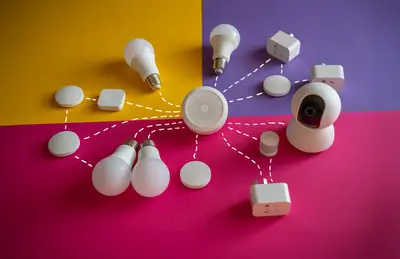
Walking through a living room filled with connected speakers and smart plugs, one might notice how easily these devices connect to the same Wi-Fi as a primary laptop. This seamless connectivity often hides significant risks.
Smart home network security flaws often stem from devices with weak default credentials or unpatched firmware. These vulnerabilities allow attackers to gain a foothold in a local network through a single entry point.
Identifying these risks involves checking for devices that lack encryption or use outdated protocols.
In my own home, I noticed that my older smart plug frequently attempted to communicate with unknown external servers, highlighting the need for better monitoring. Securing these devices requires a systematic review of every connected object.
- Scan the network for unauthorized devices.
- Check for default credentials on all connected hardware.
- Monitor for unusual data traffic patterns.
Can network segmentation stop my smart home from being hacked? Sitting in my quiet office at midnight, I carefully configured the guest network to isolate every smart gadget from my private files.
Looking at a router interface, the list of connected devices shows a mix of high-security workstations and low-security smart sensors. This mix creates a single point of failure for the entire household.
Preventing smart home hacks often involves creating a digital barrier between different types of hardware. By using a guest network or a dedicated VLAN, you can ensure that a compromised smart bulb cannot reach your private files.
This isolation limits the lateral movement an attacker can perform once they enter the network.

A common strategy involves setting up a separate SSID specifically for IoT devices. This method ensures that even if a device is breached, the primary network remains untouched.
In this order, the second step is the most critical.
How to manage securing smart device communication?
Adjusting the settings on a smart hub, one might see various protocols like Zigbee, Z-Wave, or Wi-Fi being used simultaneously. Each protocol carries different levels of inherent security.
Securing smart device communication requires verifying that all data transfers are encrypted. Many budget-friendly devices transmit data in plain text, making them susceptible to interception. You should prioritize devices that support WPA3 and other modern encryption standards to protect your data.
A practical step is to disable UPnP (Universal Plug and Play) on your router to prevent devices from automatically opening ports to the internet. This reduces the visibility of your smart home to external scanners.
How can I effectively secure my IoT devices? Sitting at a desk with a laptop, one can begin the process of auditing the network by logging into the router management page. This is the first step in building a secure environment.
To secure your smart home, follow these three technical steps:
- Create a dedicated IoT network using a guest SSID or VLAN to isolate smart hardware from personal data. 2. Change all default usernames and passwords to complex, unique credentials immediately upon setup. 3. Disable unnecessary features like remote management and UPnP to minimize the attack surface.
After these steps, perform a final check by attempting to access your main computer from a device on the guest network to ensure isolation is working.
| Security Method | Primary Benefit |
|---|---|
| Network Segmentation | Limits lateral movement of attackers |
| Firmware Updates | Patches known software vulnerabilities |
I personally found that setting up a guest network was the most effective way to test if my smart devices could still function without accessing my main drives.
Is there a limitation to these security measures?
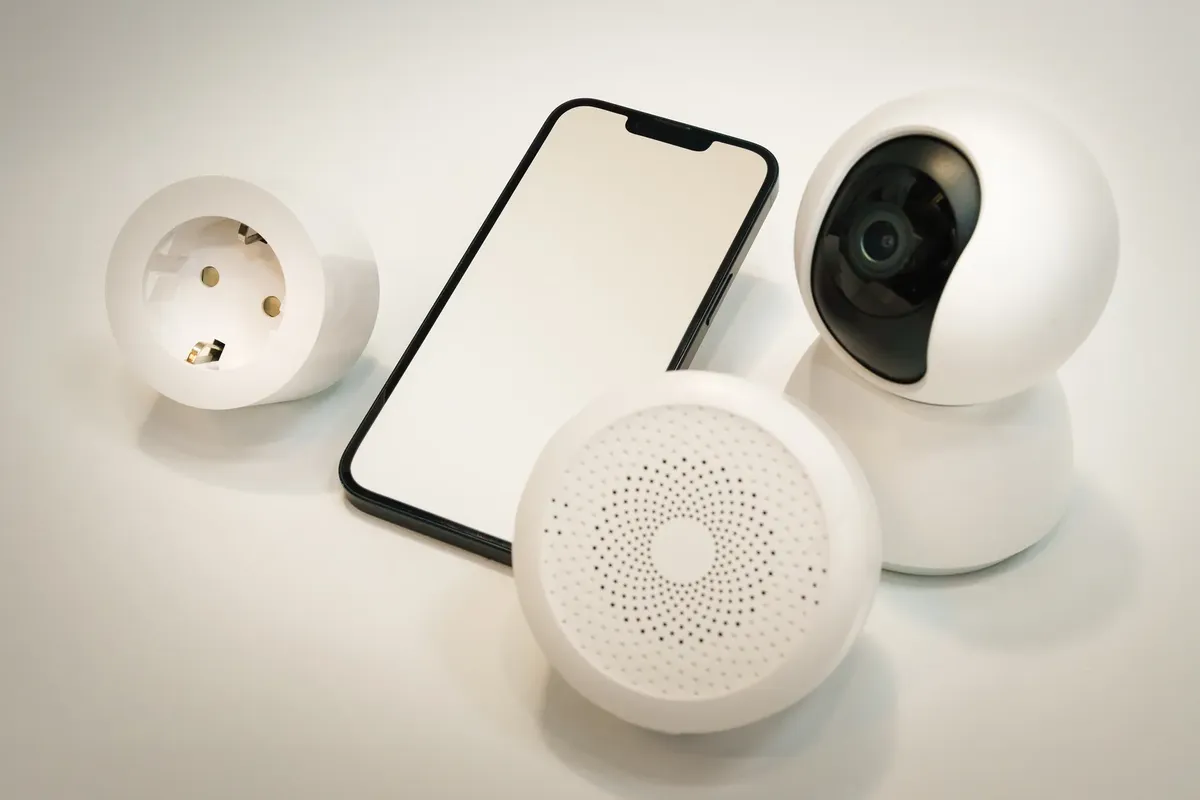
A technician troubleshooting a connection might find that some older devices simply do not support modern security protocols.
A limitation to these methods is that legacy hardware may not support network segmentation or modern encryption, leaving them as permanent weak points in a home network.
The same subject is also called IoT device security risks.
The same subject is also called Home network vulnerability fix.
The same subject is also called Secure IoT data transfer.
This part also covers Intrusion detection smart home.
Related
- IoT network isolation design: Tips for stable smart home
- How can we achieve better smart home network optimization?
What happens if I ignore the warning signs? Ignoring the warning signs allows a single vulnerable smart light bulb to become a gateway for an attacker. An attacker gaining a foothold through that one device can then attempt to move laterally across the network. This lateral movement allows the attacker to reach personal computers and sensitive files that were supposed to be protected by segmentation.
The risk escalates because the weak entry point provides the initial access needed for deeper compromise. Even if other devices are secure, the compromised smart device acts as a persistent backdoor. This situation underscores why proactive device management is crucial for maintaining network integrity.
How does strong credential management affect security? Using strong, unique credentials for every connected device prevents an attacker from exploiting a single weak password. If one device's password is compromised, the attacker cannot automatically gain access to other devices using the same credentials. This practice directly addresses the risk posed by devices with weak default credentials.
Changing default usernames and passwords immediately upon setup is a necessary procedure. This step prevents automated scanning tools from easily compromising the hardware. Strong credentials act as a primary defense layer against unauthorized access attempts.
The security of the entire system relies on the strength of the weakest link, which often is a device with poor initial security settings. A single vulnerable smart light bulb, if left with its default password, presents an immediate, exploitable risk. This highlights the importance of the key takeaway regarding unique credentials.


Comments 0