IoT network isolation design: Tips for stable smart home
"A single smart bulb can become a gateway to an entire network if the infrastructure lacks proper boundaries."
To build a stable smart home environment, you must implement an IoT network isolation design that separates high-bandwidth personal devices from low-security smart gadgets. This strategy prevents a single compromised device from accessing sensitive data on your primary computers or phones.
Key takeaways include using dedicated guest networks, implementing VLANs for device segmentation, and maintaining regular firmware updates to ensure high-performance connectivity.
Why is an IoT network isolation design necessary?
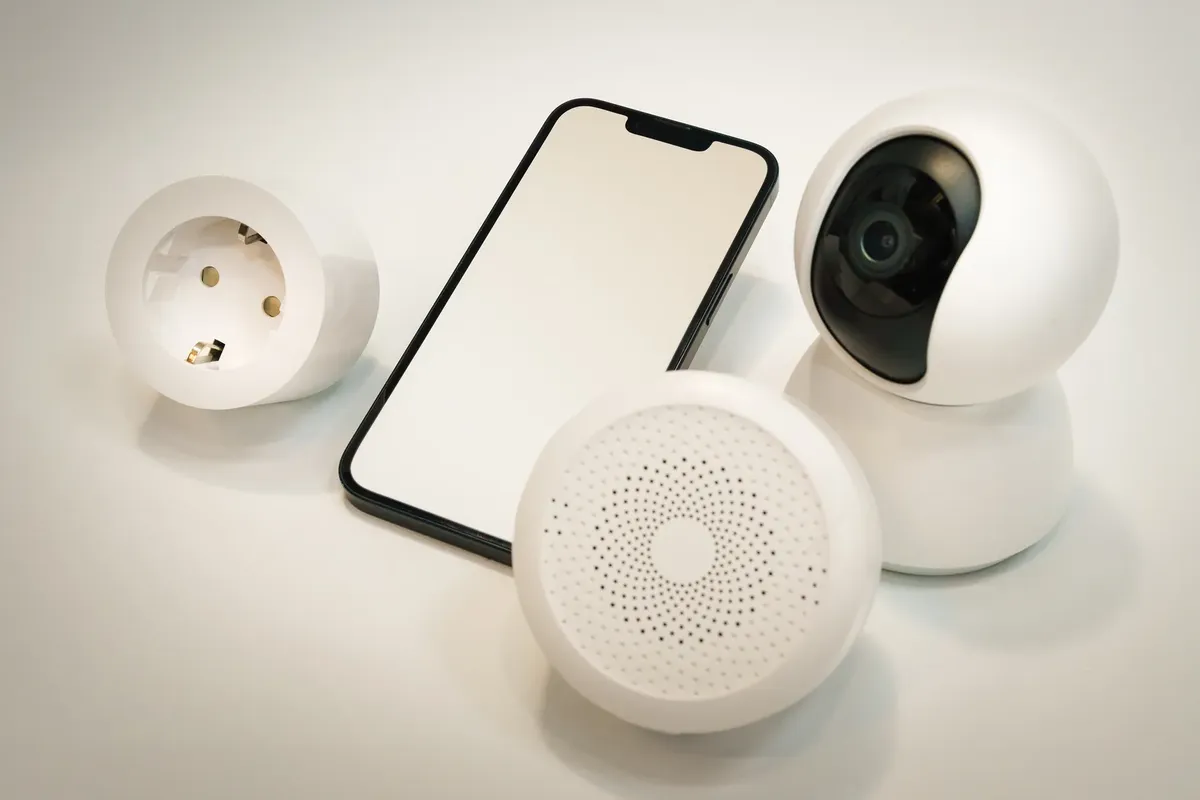
Late at night in the dark study, I feel a sudden chill as I realize a single compromised bulb could grant an intruder access to my entire private network.
A technician adjusts the router settings to create a separate wireless band for smart sensors. Without a clear boundary, a vulnerability in a cheap smart plug could allow an intruder to access your personal laptop.
An IoT network isolation design prevents lateral movement within your local network. By separating devices, you ensure that a compromised smart appliance cannot easily scan or attack your primary workstation. This segmentation is essential for maintaining privacy and protecting sensitive user data.
The goal is to create a secure environment where smart devices can communicate with their controllers but remain invisible to your private data storage. This approach minimizes the attack surface of your home.
How can I optimize home network IoT for stability?
A user checks the signal strength on a smart hub located in the corner of the living room. In a cluttered environment, interference from multiple devices can lead to frequent disconnections and latency.
You can optimize home network IoT by assigning dedicated frequencies to different device types. For instance, use the 2.4 GHz band for low-bandwidth smart devices that require better range, while reserving the 5 GHz or 6 GHz bands for high-speed streaming and gaming.

Effective management involves ensuring that the router's processor can handle the high volume of simultaneous connections common in modern households. This prevents the network from crashing when multiple sensors trigger at once.
What are the best practices for home IoT security?
In the dim light of the office, I squint at the screen while I tighten the security of my entire network.
An administrator reviews the login logs on a central dashboard to identify unusual activity. As the number of connected devices grows, managing individual security settings becomes increasingly complex.
Following best practices for home IoT security involves setting strong, unique passwords for every device and disabling unnecessary features like remote management or UPnP. You should also ensure that all devices are placed on a dedicated guest network or a separate VLAN.
Regularly checking for firmware updates is a critical step in this process. Manufacturers often release patches to fix security holes, so keeping devices current is vital for long-term protection.
How do I implement an IoT network segmentation guide?
A network engineer configures a virtual local area network on a high-end router to isolate smart cameras. The goal is to keep the video feed on its own track without touching the main data line.
To follow a professional IoT network segmentation guide, you should adopt these three steps:
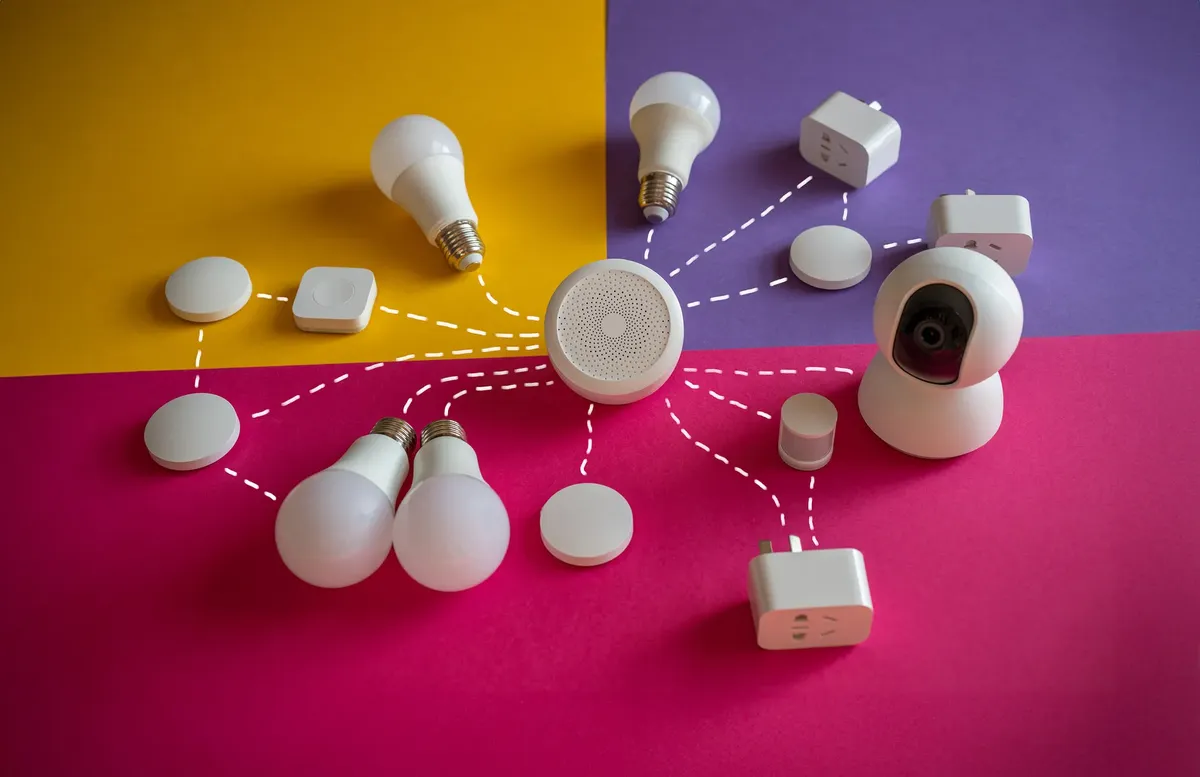
- Create a dedicated VLAN or guest network specifically for all smart home hardware. 2. Configure firewall rules to allow the smart hub to talk to the internet but block it from accessing your private subnet. 3. Isolate high-bandwidth devices, like smart cameras, into their own segment to prevent them from hogging bandwidth needed by other systems.
After these steps, perform a final check by attempting to ping a private computer from a smart device to ensure the isolation is working.
Can I improve data transfer in smart homes with better hardware?
A homeowner replaces an old router with a mesh system to cover a large house. Standard routers often struggle when dozens of smart devices attempt to communicate simultaneously.
According to the Artificial Intelligence Consumer Experience Center, users can experience over 100 types of smart products in a living space.
Improving data transfer in smart homes often requires upgrading to hardware that supports advanced traffic management. Modern mesh systems can distribute the load across multiple nodes, ensuring that a sensor in the backyard has the same reliability as a device in the living room.
Using a centralized controller can also streamline communication. This reduces the number of direct connections to the main router, as the controller manages the local traffic more efficiently.
How do router settings for IoT security affect performance?

A user navigates through the advanced settings of a router to disable a specific protocol. It is easy to accidentally weaken security while trying to improve the speed of a smart light.
Adjusting router settings for IoT security can impact how quickly devices respond to commands. For example, strict firewall rules might introduce slight latency, but this is a necessary trade-off for a secure environment.
You can mitigate performance drops by using hardware that supports Quality of Service (QoS) settings. This allows you to prioritize essential traffic, such as a security system, over less critical data like a smart speaker's volume update.
The same subject is also called Smart home secure network.
Related
- How can we achieve better smart home network optimization?
- QoS for low game latency: Tips for network tuning guide
What precautions should be taken when managing a single smart device? 1. Always change the default credentials on a single smart bulb immediately after installation. 2. Verify that the single smart device is correctly placed within the designated guest network or VLAN. 3. Check the device's manufacturer website for any available security patches before connecting it to the network.
These precautions help mitigate risks associated with a single smart gadget acting as an entry point. A single smart device, even if inexpensive, can introduce a significant security gap if left unmanaged.
Maintaining vigilance over every single smart component is crucial for overall network integrity.


Comments 0