5G router setup guide: Placement tips for best signal
"The signal strength is not just about the device in your hand, but the placement of the gateway that feeds it."
How to achieve a stable 5G connection?
At sunset, I lift the router toward the high window to feel the warm light hitting my face.
To ensure a stable 5G connection, you must prioritize line-of-sight to cellular towers and minimize physical obstructions.
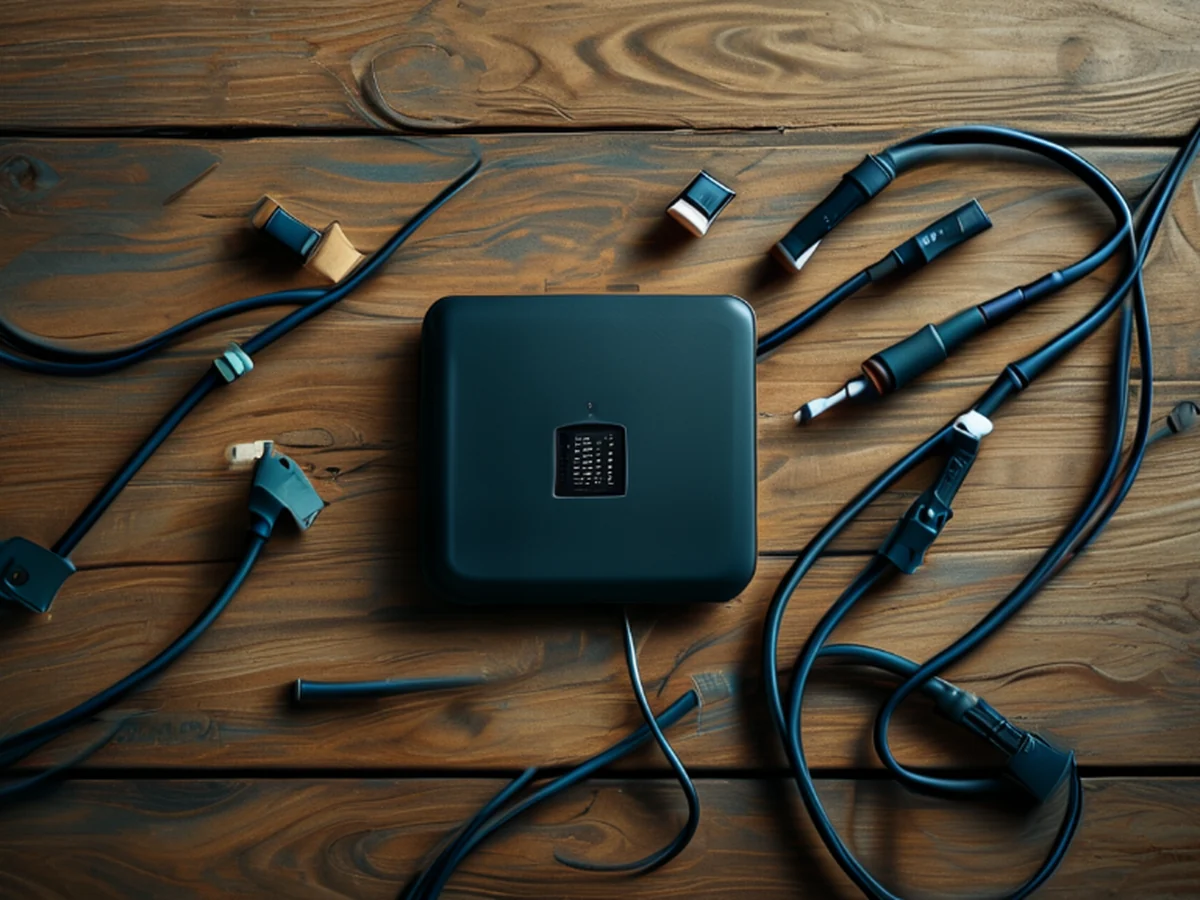
The placement of your hardware dictates the throughput and latency you experience. Placing the device in a central, elevated position helps the signal penetrate through walls more effectively.
If the router is tucked inside a cabinet or behind a heavy television, the cellular signal may struggle to maintain the high-frequency bands required for peak 5G speeds.
When I first attempted a 5G router setup, I realized that placing the unit on a low shelf caused immediate drops in signal stability. Moving the device to a higher mantle significantly improved the connection consistency.
How do I set up my 5G router? 5G router setup guide
At dusk, I lift the heavy router toward the sunlit window while feeling its smooth plastic casing. A user carefully unplugs the power adapter, feeling the weight of the router in their hands before finding a clear path to the window. Following a systematic approach ensures the hardware is prepared for high-speed data transmission.
- Position the router near a window or an exterior wall to maximize the incoming cellular signal strength. 2. Connect the power supply and wait for the status indicators to show that the cellular handshake is complete. 3. Access the administrative interface via a wired connection or local Wi-Fi to perform initial configuration and firmware updates.
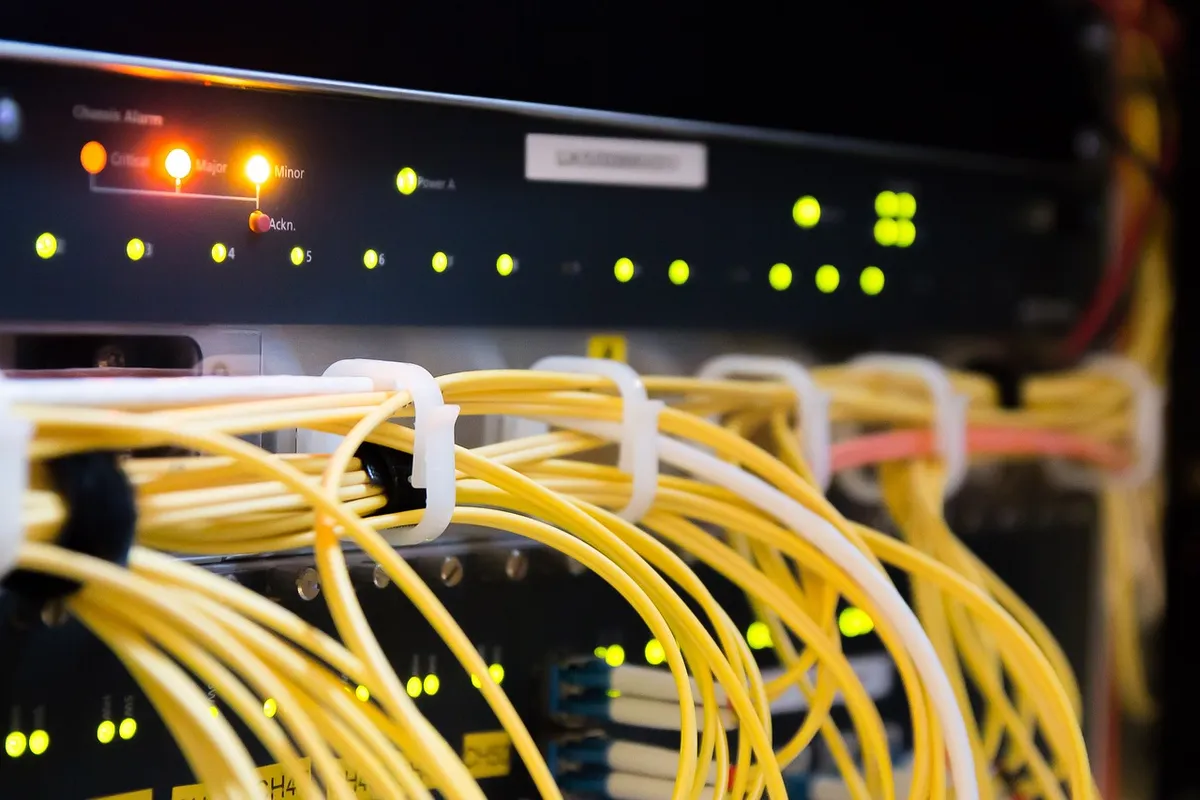
Check the signal indicator lights on the front panel to ensure the device has locked onto a 5G network before connecting your local devices.
How can I optimize my 5G network? An enthusiast adjusts the antenna orientation, feeling the slight tension of the plastic as they aim for the best signal reception. To optimize 5G network performance, you must manage both the incoming cellular signal and the outgoing local Wi-Fi.
The 5G signal comes from the tower, while the Wi-Fi signal distributes that data to your phones and laptops. If the 5G signal is weak, no amount of Wi-Fi tweaking will fix the speed.
However, once the 5G link is strong, using high-quality cables and modern Wi-Fi standards will prevent the local network from becoming a bottleneck.
| Feature | Primary Benefit |
|---|---|
| Cellular Signal Strength | Determines the raw speed of the internet connection |
| Wi-Fi Coverage | Determines how far the internet reaches within the building |
A limitation of this setup is that signal penetration through thick concrete or metal-reinforced walls can significantly degrade performance regardless of the router's quality.
- A successful 5G router setup guide requires strategic placement, hardware optimization, and careful interference management to ensure a stable connection.
- This guide covers how to install a 5G router, tips for maintaining signal integrity, and the steps to achieve a stable 5G connection in various environments.
- A technician walks into a quiet living room, unboxing a sleek, matte-black 5G router and placing it near a tall window to catch the sunlight.
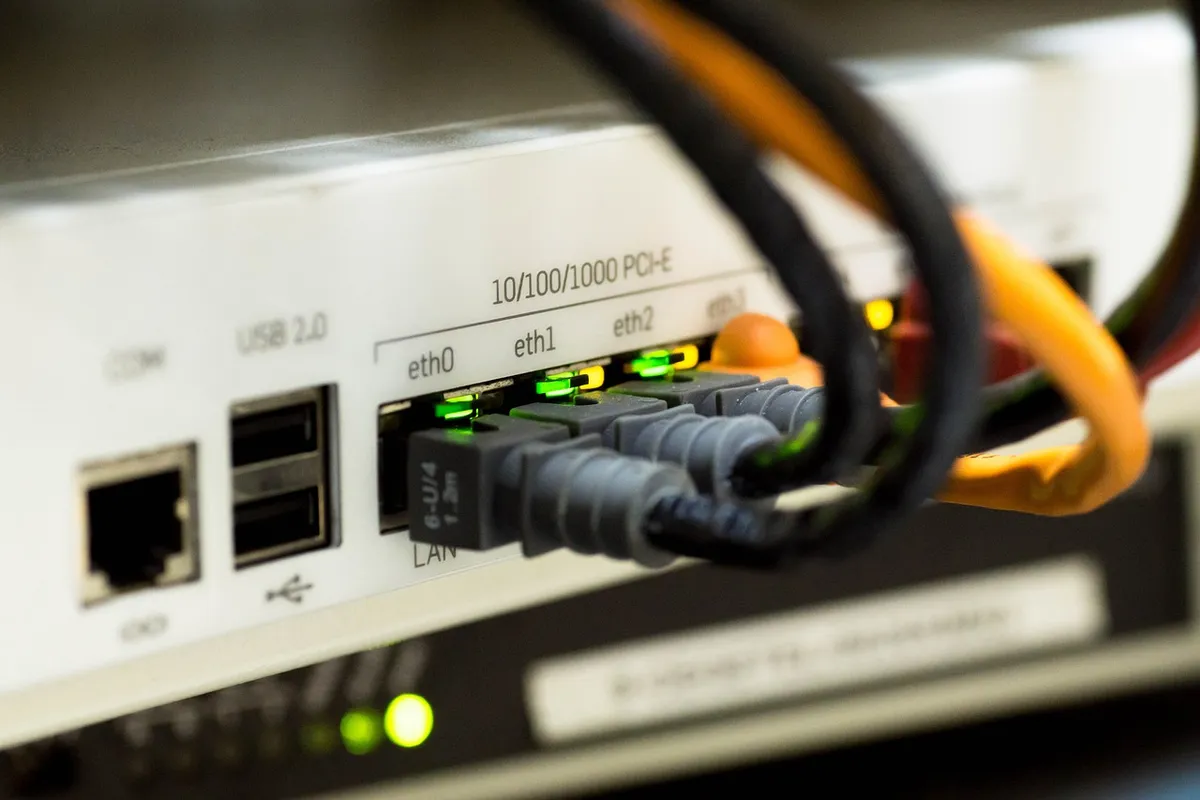
The same subject is also called best 5G router setup.
The same subject is also called how to install 5G router.
This part also covers guide to 5G router installation.
This part also covers achieving stable 5G communication.
This part also covers setting up your 5G home network.
guide to 5G router installation
Related
- Optimize 5G device network: Understanding 60% more capacity
- Front-end structure guide to Maximize mobile data efficiency
What affects signal strength?
Signal strength is influenced by the physical environment and the placement of the router relative to the cellular tower. If the device is placed behind a heavy television or inside a cabinet, the signal may struggle to maintain the high-frequency bands required for peak speeds.
A central, elevated position helps the signal penetrate through walls more effectively than a low shelf or a tucked-away location.
When comparing different locations, a window or an exterior wall provides a better path for the incoming signal than thick concrete or metal-reinforced walls. You should prioritize a clear line-of-sight to the tower to ensure the hardware can maintain a stable 5G connection.
If the 5G signal is weak due to poor placement, the local Wi-Fi cannot fix the speed issues.
Summary of placement considerations
- Choose a window or exterior wall to maximize the incoming signal strength. 2. Avoid placing the router in cabinets or behind heavy objects to prevent signal degradation. 3. Use an elevated position to help the signal penetrate through walls. 4. Check status indicators to ensure the cellular handshake is complete before connecting devices. 5. Monitor the signal indicator lights to confirm the device has locked onto the network.
Why does placement matter for signal strength?
Placement determines the signal strength and the resulting throughput or latency. If the router is placed on a low shelf or tucked inside a cabinet, the signal may struggle to maintain the high-frequency bands required for peak 5G speeds.
Moving the device to an elevated position, such as a mantle, improves connection consistency by helping the signal penetrate through walls more effectively.
When comparing a low shelf to an elevated position, the higher placement allows for better signal penetration. A window or exterior wall provides a clearer path for the incoming signal than thick concrete or metal-reinforced walls.
If the 5G signal is weak due to these physical obstructions, the local Wi-Fi cannot fix the speed issues.
Final setup precautions
- Ensure the router is not placed behind a heavy television or inside a cabinet to avoid signal degradation. 2. Verify that the status indicators show a complete cellular handshake before attempting to use the local network. 3. Confirm the signal indicator lights show the device has locked onto the 5G network to ensure stable connectivity.


Comments 0