802.1q VLAN tips to Secure smart home with VLAN
"The proliferation of connected devices in the modern living space creates a complex web of connectivity that requires careful management to maintain privacy and network stability."
Secure smart home setups require segmenting various devices to prevent a single compromised unit from exposing an entire network. Using 802.1q VLAN technology allows homeowners to isolate sensitive data from vulnerable IoT devices.
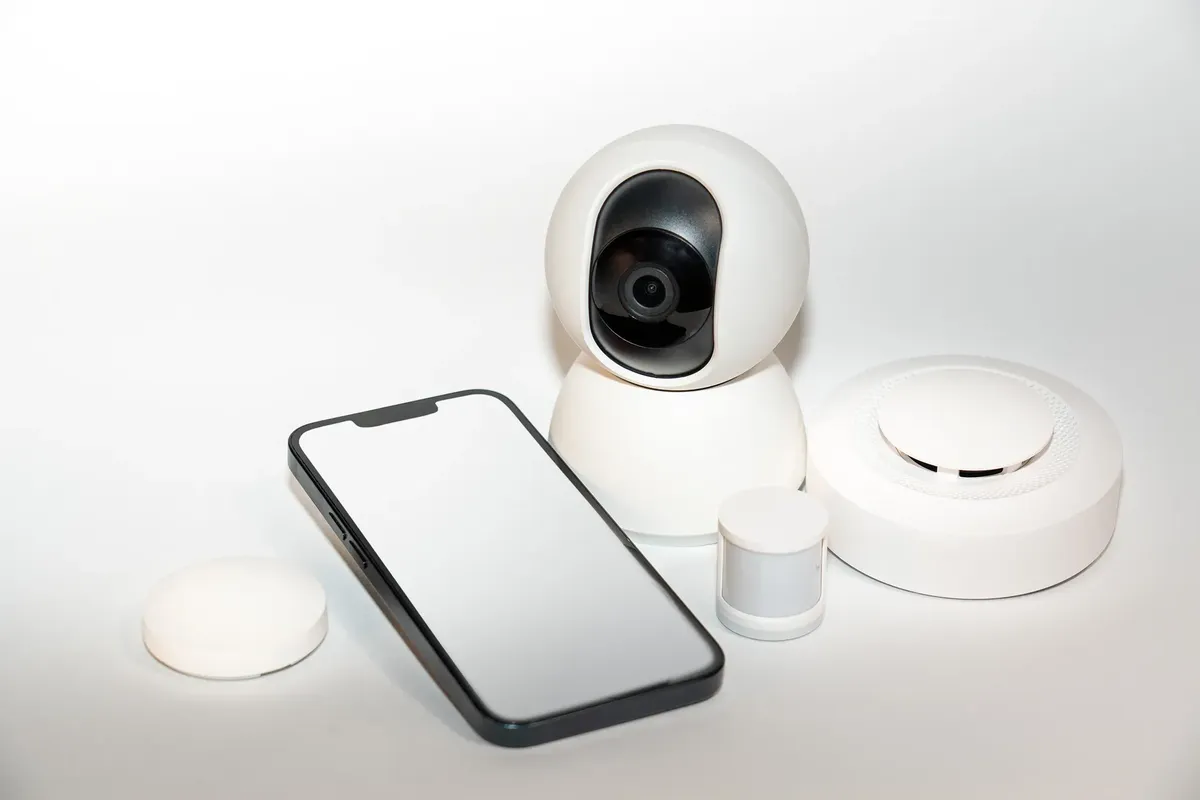
Key takeaways: * Segmenting traffic prevents lateral movement by attackers. * VLANs help manage bandwidth and interference. * Isolation protects personal computers from smart device vulnerabilities.
How can a secure smart home with VLAN work?
At dusk, the technician taps the keyboard in the quiet office to configure a new vlan.
A technician sits at a desk, typing commands into a network switch to create separate virtual paths for different types of traffic. This process of logical separation is the foundation of a robust network.
According to the Artificial Intelligence Consumer Experience Center, users can experience over 100 types of smart products in a living space.
To secure smart home with VLAN, an administrator creates distinct virtual local area networks for different device classes. For example, one VLAN might host laptops and servers, while another hosts smart plugs and cameras.
By using 802.1q tagging, a single physical switch can manage multiple isolated networks simultaneously. This ensures that a vulnerability in a smart bulb does not provide a direct path to a personal workstation.
How will a VLAN protect my IoT devices?
At midnight, I stare at the glowing monitor in my dark bedroom as the vlan keeps the smart camera isolated from my laptop. A user looks at a router dashboard, noticing how various devices are grouped into separate, non-communicating categories. The visual distinction between the guest network and the private network is clear.
The primary advantage of VLAN for IoT security is the reduction of the attack surface. When smart devices are on their own segment, they cannot easily communicate with high-value targets like NAS drives or personal computers.
This isolation prevents a compromised device from scanning the rest of the network for weaknesses. Additionally, it simplifies traffic management, as network administrators can apply specific security policies to the IoT segment without affecting the rest of the household.
How do I implement smart device network isolation?
In the dusty basement, I pull the heavy switch toward me and click the port to assign a new vlan.
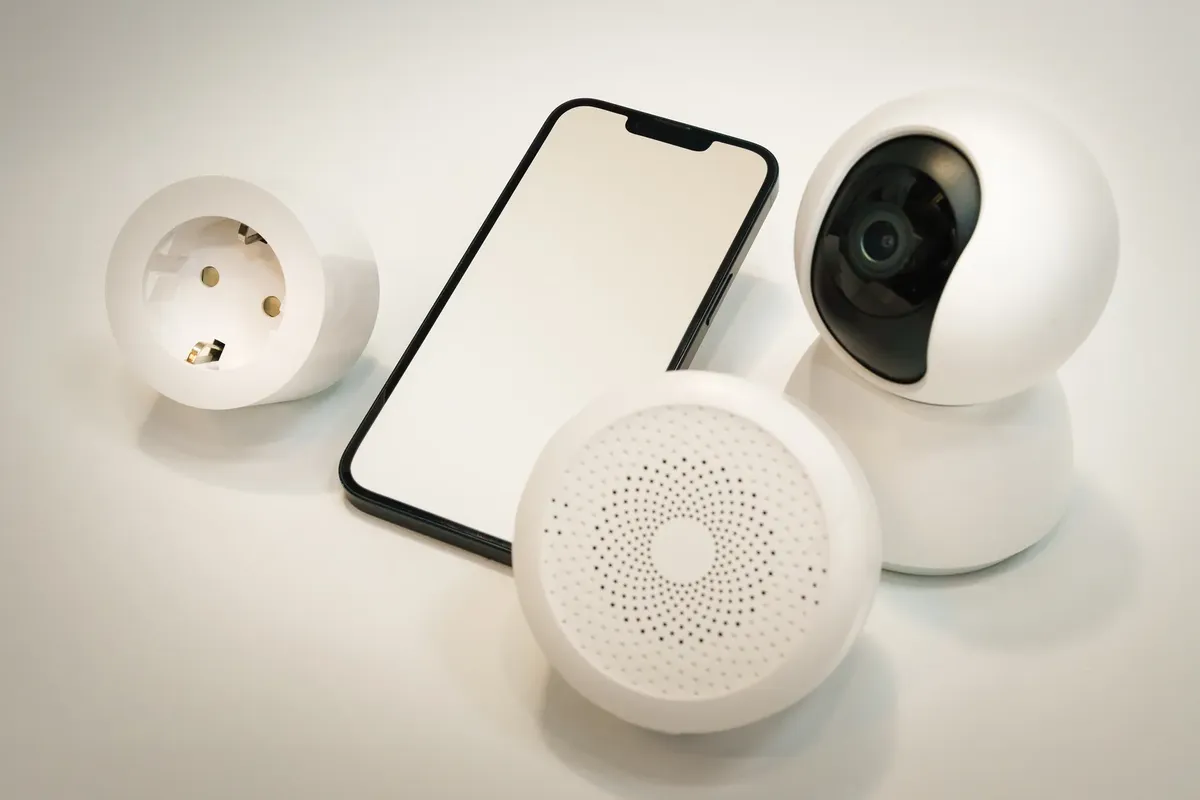
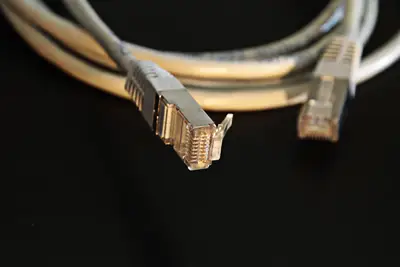
An individual carefully plugs an Ethernet cable into a managed switch, preparing to configure the ports for a new device group. The physical connection is the first step in establishing a logical boundary.
To achieve smart device network isolation, follow these three steps:
- Identify all IoT devices and determine their specific security needs. 2. Configure a managed switch to support 802.1q VLAN tagging to create separate logical networks. 3. Assign specific switch ports to the designated IoT VLAN, ensuring they cannot reach the primary data VLAN.
After these steps, perform a final check by attempting to ping a computer from a device on the IoT VLAN to ensure no communication is possible. I found that verifying these rules via a terminal interface was essential before connecting any new hardware.
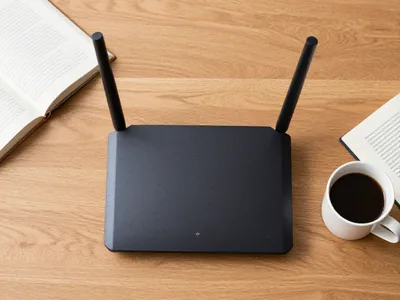
Will my current hardware work with 802.1q? A homeowner browses an online catalog, looking for hardware that supports advanced networking protocols. The goal is to upgrade the existing setup without replacing every single device.
Using 802.1q home security is possible if the existing networking hardware, such as switches and routers, supports VLAN tagging. If the current equipment is unmanaged, it will not recognize the 802.1q tags, and all devices will remain on a single flat network.
Upgrading to managed switches is often the most cost-effective way to implement these security measures. This provides the necessary infrastructure to handle tagged traffic across the entire home environment.
What is the best way to enhance smart home safety?
A person adjusts the settings on a mobile app, looking at the connection status of various sensors and lights. The interface shows a clean, organized list of connected hardware.
The best way to enhance smart home safety is to apply the principle of least privilege to the network. This means giving each device only the connectivity it needs to function.
By combining VLANs with firewall rules, you can permit a smart speaker to reach the internet while strictly blocking it from accessing local file shares. This layered approach ensures that even if a device is hijacked, the damage is contained within its own isolated segment.
Comparison of Network Architectures
| Feature | Flat Network | VLAN-Enabled Network |
|---|---|---|
| Device Isolation | None | High |
| Security Control | Low | High |
Wikipedia: Smart Fortwo Based on the retained excerpt mentioning EPA: The 2008 Smart Fortwo coupe was given an EPA fuel efficiency rating of 36 mpg‑US (6.5 L/100 km; 43 mpg‑imp) combined.
- How can a secure smart home with VLAN work?
- What are the benefits of VLAN for IoT security?
- How do I implement smart device network isolation?
This part also covers How to use VLAN for IoT.
This part also covers Best practices for smart home VLAN.
This part also covers Benefits of 802.1q in homes.
How to use VLAN for IoT
Related


Comments 0